5 CACFP Meal Count Mistakes That Trigger Audits (And How Software Prevents Them)
CACFP meal count accuracy determines how much reimbursement your center receives and whether you face an audit. Most errors are not intentional. They are process failures that the right system can prevent entirely. This article covers the five most common mistakes and how to eliminate them.
1. Why meal count accuracy matters
The Child and Adult Care Food Program reimburses childcare centers based on the number of meals served, broken down by eligibility category. For a center serving 60 children, CACFP reimbursement typically ranges from $500 to $2,000 per month. Over a year, that is $6,000 to $24,000 in revenue directly tied to the accuracy of your meal counts. Every error, whether it inflates or underreports your counts, puts that revenue at risk.
Inaccurate meal counts are the primary trigger for CACFP audits. When your sponsoring organization or state agency reviews your claims and finds discrepancies between meal counts, attendance records, and eligibility documentation, the result is an audit. Audits can lead to repayment demands for overclaimed meals, corrective action requirements, and in cases of repeated or severe errors, temporary suspension from the program. The important thing to understand is that most errors are honest mistakes caused by manual processes, not fraud. But auditors cannot tell the difference from the data alone.
The stakes
A single audit finding can require repayment of months of claims. Patterns of errors, even unintentional ones, can lead to temporary suspension from the program and loss of reimbursement until corrective actions are verified.
2. The five mistakes
These are the errors that show up most frequently in CACFP reviews and audits. Each one is preventable with the right process and tools.
Mistake 1: Counting meals for absent children
This is the most common CACFP error. It happens when staff fill in meal sheets at the end of the day from memory, or when they work from a pre-printed roster and check off names without verifying who was actually present. A child who was absent all day, or who left before lunch was served, ends up counted for a meal they never ate. Auditors catch this by comparing meal counts to attendance records for the same day.
How software prevents this
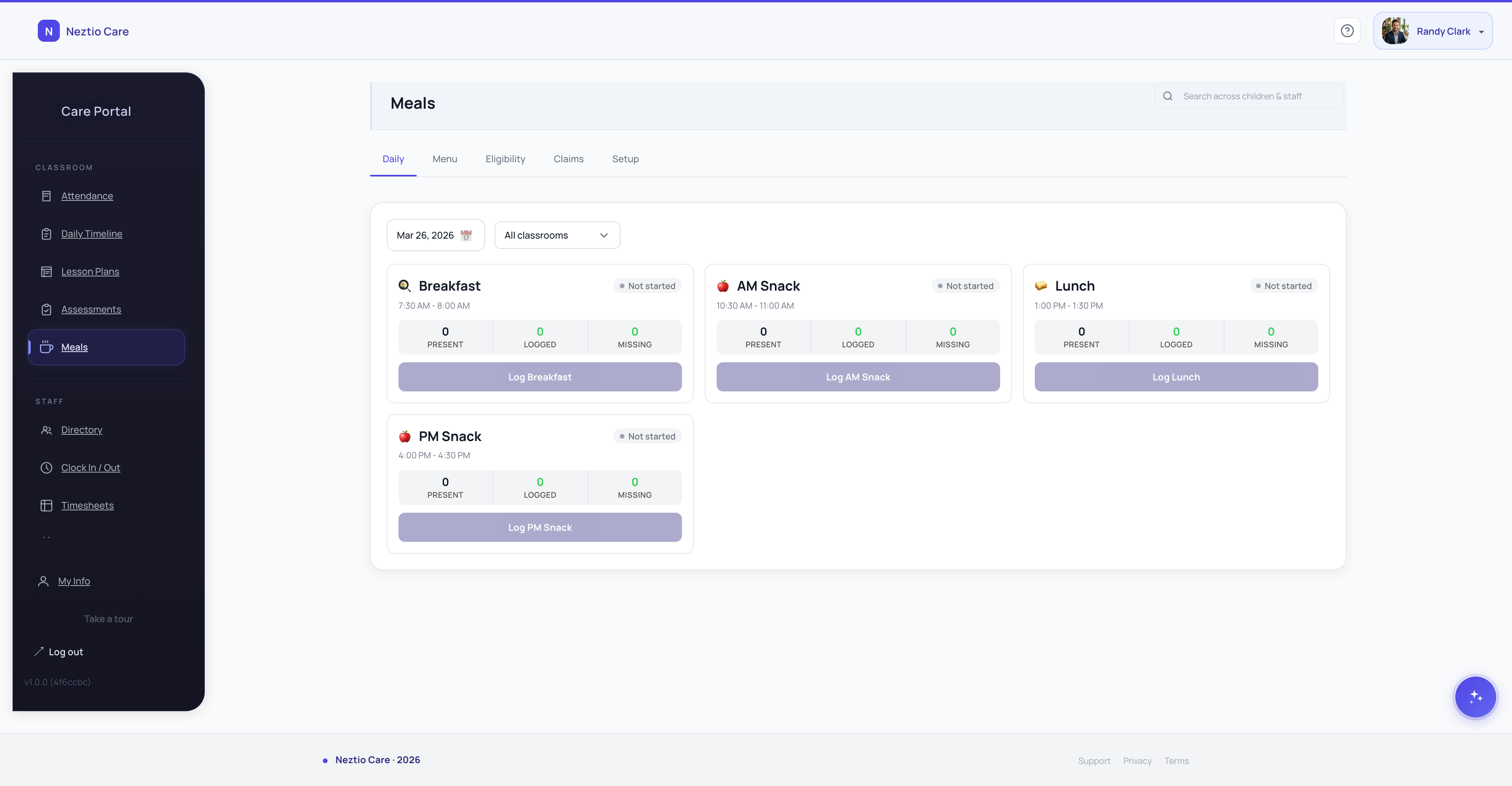
Software prevents this by tying meal logging directly to attendance records. When staff log meals, the system only shows children who are currently checked in. A child who was marked absent or who was already checked out before the meal does not appear on the list. The error becomes impossible without a deliberate override.
Mistake 2: Wrong eligibility category assignment
Each child's reimbursement rate depends on their eligibility category: free, reduced-price, or paid. Errors happen when a child's income eligibility form expires and no one updates the category, when a category is entered incorrectly during enrollment, or when a family's circumstances change and the center does not update the record. The result is claims filed at the wrong reimbursement rate, either overclaiming (which triggers repayment) or underclaiming (which leaves money uncollected).
How software prevents this
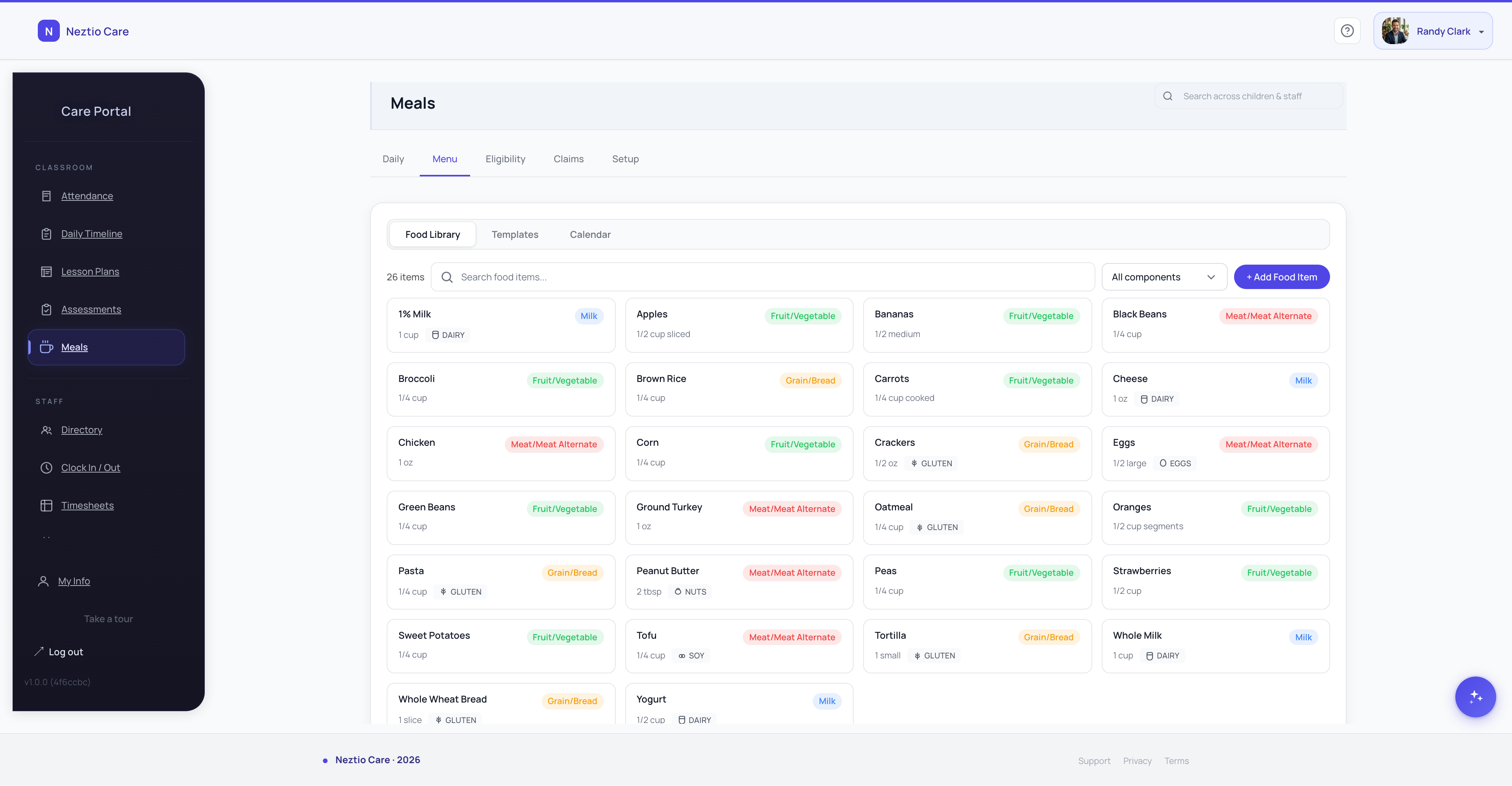
Software prevents this by storing eligibility categories per child with effective dates and expiration tracking. The system flags categories that are approaching expiration or have already lapsed, prompting staff to collect updated forms. Before generating a monthly claim, the system can identify any children with expired or missing eligibility documentation so you can resolve the issue first.
Mistake 3: Missing or incomplete daily records
CACFP requires complete daily records for every meal served: which children ate, what meal type was served, and when it was served. With paper logs, fields get left blank (no time recorded, no meal type specified), pages go missing, and staff forget to log meals during busy periods. After the fact, there is no way to reconstruct what actually happened. Incomplete records cannot support a claim, and auditors treat gaps as unsupported meals.
How software prevents this
Software prevents this by enforcing required fields at the point of entry. Staff cannot submit a meal record without specifying the meal type, and the timestamp is captured automatically. Digital records cannot be lost, water-damaged, or accidentally thrown away. Before claim generation, the system flags any days with incomplete data so you can investigate and correct the record.
Mistake 4: Claiming meals outside approved service windows
Every CACFP-participating center has approved service windows for each meal type. Breakfast might be approved from 7:30 to 9:00 AM, lunch from 11:30 AM to 1:00 PM, and afternoon snack from 2:30 to 3:30 PM. Meals served outside these windows are not reimbursable. With paper records, time stamps are often approximate or filled in later, making it easy to claim meals that were actually served before or after the approved window.
How software prevents this
Software prevents this by configuring approved service windows for each meal type. When staff log a meal, the system records the actual time. If a meal is logged outside the approved window, the system flags it automatically. Flagged meals can be reviewed, corrected, or excluded from the claim before submission.
Mistake 5: Duplicate meal counts
Duplicate counts happen when the same child is recorded twice for the same meal type on the same day. With paper, this occurs when staff hand off mid-meal and both record the child, when multiple classrooms serve together and both teachers log the same children, or when records are transcribed and a name is accidentally copied twice. Duplicates inflate your claim and are a clear audit flag.
How software prevents this
Software prevents this by enforcing a one-record-per-child-per-meal-type-per-day constraint. If a child has already been logged for lunch, the system blocks a second entry. No manual deduplication is needed, and the error is eliminated at the source rather than caught during review.
3. What auditors actually look for
Understanding what auditors check helps you build a process that holds up to scrutiny. CACFP audits focus on consistency between your records. Auditors are not trying to catch you doing something wrong. They are verifying that your claims are supported by documentation.
Meal counts that match attendance records for the same day
Correct eligibility categorization with supporting documentation on file
Complete daily meal records with timestamps and meal types
Meals served within approved service windows
Consistent patterns, because sudden spikes in counts are a red flag
Records retained for the required period (typically 3 years plus the current year)
4. Building an audit-proof process
The best way to handle an audit is to never give auditors a reason to dig deeper. That means building a daily process where errors are prevented at the source, not caught after the claim is submitted.
- 1
Log meals at the point of service
Record meals as they are served, not at the end of the day, not from memory, and not from a pre-printed roster. Point-of-service logging captures what actually happened, with accurate timestamps and accurate child counts.
- 2
Link meal records to attendance automatically
If a child was not checked in on a given day, they should not appear on the meal count for that day. Linking meals to attendance eliminates the single most common audit finding: meals counted for absent children.
- 3
Review eligibility categories quarterly
Income eligibility forms expire. Family situations change. A child who was in the free category six months ago may need a new determination. Set a quarterly reminder to review all eligibility records and collect updated forms before they lapse.
- 4
Run your own monthly reconciliation before submitting
Before you submit your claim, compare meal counts to attendance. Look for days where the meal count exceeds the attendance count. Check for children with expired eligibility. Catch the discrepancies before your sponsor or auditor does.
- 5
Keep digital records
Paper gets lost, water-damaged, and is nearly impossible to search. Digital records are permanent, timestamped, and retrievable in seconds. When an auditor asks for records from nine months ago, you pull them up on screen instead of digging through a filing cabinet.
The bottom line
Most CACFP meal count errors are honest mistakes caused by manual processes: paper logs, end-of-day reconstruction, and spreadsheets that do not talk to each other. The right software eliminates the five most common errors by design, making them structurally impossible rather than relying on staff diligence to prevent them.
See how Neztio handles CACFP and start a free 30-day trial. Meal logging, eligibility tracking, and claim generation are built in from day one.
Glossary terms in this article
CACFP
The USDA Child and Adult Care Food Program that reimburses childcare providers for serving nutritious meals.
Point-of-Service Meal Count
Recording meal counts at the time and place meals are served, as required by CACFP.
Attendance Tracking
Recording children's daily attendance at a childcare facility, required for licensing, billing, and CACFP claims.
Licensing
State-issued permission to operate a childcare facility, requiring compliance with health, safety, and staffing standards.