Childcare Payroll Processing: From Time Cards to Direct Deposit
Payroll at a childcare center comes with unique challenges: irregular hours, split classroom assignments, strict overtime rules, and a workforce that deserves to be paid accurately and on time. Here is how to get it right.
Why Childcare Payroll Is Different
Running payroll at a childcare center is not the same as running payroll for a retail store or office. Childcare has unique labor patterns that make payroll more complex than most small business owners expect.
Staff schedules shift throughout the week. A lead teacher might work 7:00 AM to 3:00 PM on Monday but 9:00 AM to 5:30 PM on Wednesday to cover a different classroom. Floaters move between rooms throughout the day. Part-time aides may work different hours each week depending on enrollment fluctuations. These irregular patterns make it easy for errors to creep into payroll calculations.
Then there are the regulatory complexities. Childcare workers are non-exempt employees, which means they are entitled to overtime pay after 40 hours in a workweek. Some states have daily overtime rules as well, requiring overtime after 8 hours in a single day. If you are not tracking hours precisely, you risk underpaying overtime and exposing your center to wage claims.
Split classroom assignments add another layer. If your state requires you to report labor costs by classroom for subsidy reimbursements or grant funding, you need to know not just how many hours each person worked, but where they worked those hours. Paper timesheets rarely capture that level of detail.
In-House vs. Outsourced Payroll
One of the first decisions a childcare director faces is whether to handle payroll internally or outsource it. Both approaches have trade-offs:
| Approach | Pros | Cons |
|---|---|---|
| In-house (QuickBooks, spreadsheets) | Full control, lower monthly cost, no vendor dependency | Tax filing burden on you, risk of calculation errors, time-consuming |
| Payroll service (ADP, Gusto, Paychex) | Tax filing handled, direct deposit, compliance support, less liability | Monthly per-employee cost, less flexibility, still need accurate hours input |
| PEO (Professional Employer Org) | Full HR outsourcing including benefits, workers comp, payroll | Higher cost, shared employer status, less control over HR decisions |
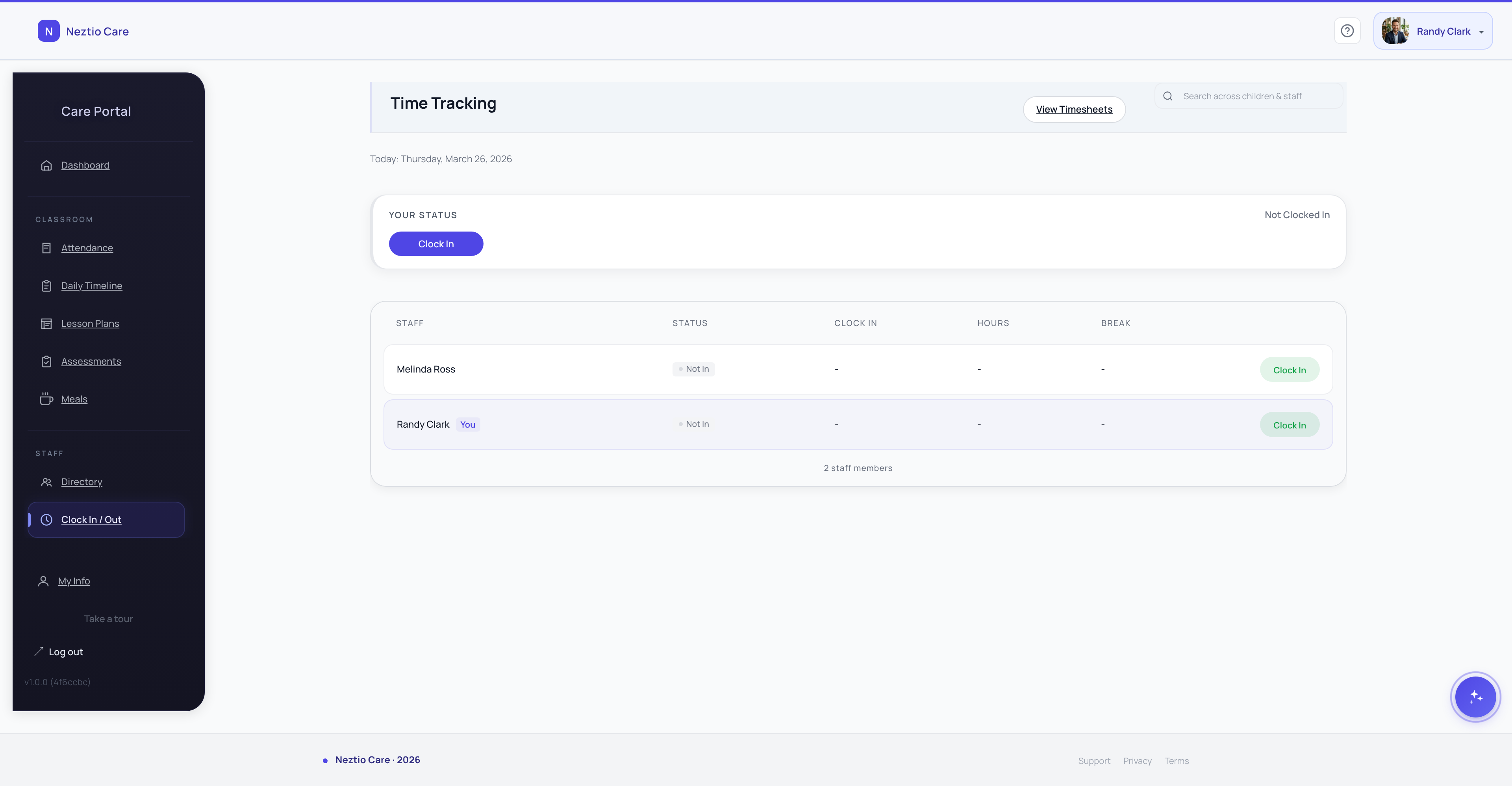
Most childcare centers with 10 or more employees find that a payroll service like Gusto or Paychex provides the best balance of cost and convenience. The key insight is that no matter which approach you choose, the quality of your payroll depends on the quality of the time data going in. Garbage in, garbage out. That is why accurate time tracking is the foundation of good payroll.
How Payroll Export Works
The bridge between your time tracking system and your payroll provider is the payroll export. This is typically a CSV file that contains each employee's approved hours for the pay period, broken down by regular hours and overtime hours.
- 1
Approve timesheets in your time tracking system
Review all punches, resolve any discrepancies (missed clock-outs, edited entries), and approve the final hours for each employee. This is your last quality check before the data goes to payroll.
- 2
Generate the CSV export
Your time tracking system generates a file formatted for your specific payroll provider. ADP, Gusto, and Paychex each expect slightly different column layouts. A good system handles this mapping automatically.
- 3
Upload or import into your payroll system
Upload the CSV to your payroll provider. Most providers have a simple import feature. Review the imported data to confirm everything mapped correctly, then run payroll.
Tip
Run a test export before your first real payroll cycle. Upload it to your payroll system and verify that employee names, hours, and overtime calculations match what you see in your time tracking system. Fix any mapping issues before real money is on the line.
Understanding Rounding Rules
Most childcare centers do not pay staff to the exact minute. Instead, they apply a rounding rule that simplifies payroll calculations while remaining compliant with the Fair Labor Standards Act (FLSA). The two most common methods:
Quarter-hour rounding (15-minute increments)
Clock-in times are rounded to the nearest 15-minute mark. If a teacher clocks in at 7:53 AM, it rounds to 7:45 AM. If they clock in at 7:54 AM, it rounds to 8:00 AM. The 7-minute rule applies: 1-7 minutes round down, 8-14 minutes round up.
Tenth-hour rounding (6-minute increments)
Time is tracked in tenths of an hour. 7:53 AM becomes 7:54 AM (7.9 hours). This method is slightly more precise and is preferred by some payroll providers because it simplifies decimal-based hour calculations.
Important
The FLSA requires that rounding practices be neutral over time. In other words, rounding cannot consistently benefit the employer at the expense of employees. If your rounding policy systematically shortchanges workers, it can trigger wage claims. The safest approach is to use a consistent, industry-standard rounding rule and apply it uniformly through your time tracking software.
Common Payroll Compliance Pitfalls
Payroll errors at a childcare center can lead to wage claims, tax penalties, and damaged staff trust. Here are the most common mistakes and how to avoid them:
Misclassifying employees as exempt
Childcare teachers and aides are almost always non-exempt under the FLSA, meaning they are entitled to overtime pay. Even salaried teachers may be non-exempt if they do not meet the salary threshold or duties test. Misclassification can result in back pay for unpaid overtime.
Failing to pay for all hours worked
If a teacher stays 15 minutes late to finish a parent conversation or comes in early to set up the classroom, that time must be paid. Training time, staff meeting time, and mandatory event attendance are also compensable hours.
Not tracking break time properly
If a teacher is required to remain available during a break (for example, eating lunch in the classroom while monitoring napping children), that break is not truly a break under the FLSA and must be paid. Only breaks where the employee is completely relieved of duties can be unpaid.
Missing state-specific requirements
Some states require pay stubs to show specific information. Some require more frequent pay periods. Some have their own overtime rules that are stricter than federal law. Check your state labor department website or consult a payroll provider who understands your state's rules.
Late tax filings and deposits
Payroll taxes must be deposited on a specific schedule (monthly or semi-weekly, depending on your tax liability). Late deposits trigger penalties from the IRS. This is the number one reason centers choose a payroll service: the provider handles tax deposits and filings for you.
Building Your Payroll Workflow
The most efficient childcare payroll workflow connects three systems: time tracking, PTO management, and the payroll provider. When these work together, the director's role shifts from manual data entry to simple review and approval.
Start with digital time tracking that captures accurate clock-in and clock-out data. Connect it with your PTO tracking so vacation hours and sick days are reflected alongside worked hours. Then export the combined data to your payroll provider for processing.
The entire process, from timesheet approval to running payroll, should take less than an hour per pay period. If you are spending more time than that, your systems are not working together well enough, or you are still relying on too many manual steps.
The Bottom Line
Payroll is one of your largest operating expenses, and getting it right matters for your staff, your budget, and your compliance standing. Invest in accurate time tracking, choose a payroll provider that fits your center's size and complexity, apply rounding rules consistently, and stay on top of overtime and tax requirements. Your teachers work hard for their paychecks. Making sure those paychecks are accurate and on time is one of the most concrete ways to show you value them.
Ready to simplify your payroll process? See how Neztio connects time tracking to payroll export so you can run payroll in minutes, not hours.
Related
Time Tracking for Childcare Staff: Clock-In Systems That Actually Work
Related
PTO Management for Childcare Centers: Balancing Staff Needs with Coverage
Glossary terms in this article
Staff-to-Child Ratio
The number of caregivers required per group of children, set by state licensing regulations based on age.
Lead Teacher
The primary educator responsible for a classroom, typically holding a CDA or degree in early childhood education.
Licensing
State-issued permission to operate a childcare facility, requiring compliance with health, safety, and staffing standards.