How Neztio Thinks About AI in Childcare
AI features are appearing in childcare software everywhere. Some are helpful. Some create new risks. Here is how we designed AI that reduces admin work without replacing the relationships that matter.
Quick Answer
AI in childcare works best when it handles administrative busywork (drafting daily reports, polishing messages, suggesting reply templates) while keeping educators in full control. Look for AI that drafts but never sends, is embedded in existing workflows rather than a separate tool, and never uses children's data to train models.
The problem: childcare runs on paperwork
Teachers spend hours every week on daily reports, parent messages, compliance documentation, meal planning, and attendance records. Directors spend even more time reviewing it all. The administrative burden is real, and it pulls staff away from what they signed up for: working with children.
AI can help with this. But childcare is a trust-sensitive industry. Parents trust centers with their children. Teachers trust their own observations and judgment. Any AI that undermines that trust, even accidentally, does more harm than good. That tension shaped every AI decision we made at Neztio.
Our principle: AI assists, humans decide
We started with a simple question: what would we want if our own children were in the classroom? The answer was clear. We want AI that handles the tedious parts of documentation, not AI that replaces human attention.
AI in childcare should reduce administrative burden without replacing the human relationships that matter most.
AI drafts, teachers review
Nothing goes to parents without a human reading it first. Every AI-generated report card, message, or caption is a draft that staff can edit, approve, or discard.
AI suggests, staff approve
Reply suggestions, message polish, and photo captions are always optional. Staff can ignore them entirely. The AI never takes action on its own.
AI organizes, directors control
Operational insights surface data that already exists in your center. AI helps you see patterns, but every decision stays with you.
What we deliberately chose not to automate
No auto-sending messages to parents. Ever. A teacher always clicks send.
No AI-generated behavioral assessments or developmental scores. That is a teacher's job.
No surveillance, monitoring, or scoring of staff performance through AI.
No replacing teacher observations with algorithmic analysis of children.
Where AI actually shows up in Neztio
We built six AI features, each designed to save time on a specific admin task that staff already do manually. None of them require learning a new tool or changing existing workflows.
- 1
Daily report cards
AI drafts a warm daily summary for each child based on logged activities, meals, and milestones. The teacher reviews, edits, and sends. Parents receive a personal update that feels human, because it is.
- 2
Message polish
Rewrite a parent message with tone control: professional, warm, or casual. The teacher's intent stays the same, but the wording improves. Helpful for ESL staff or quick replies during busy hours.
- 3
Reply suggestions
AI reads an incoming parent message and suggests two to three responses. One tap to start drafting, then edit as needed. Saves minutes per conversation without sacrificing the personal touch.
- 4
Photo captions
AI generates cheerful descriptions for classroom photos. Per-child consent controls ensure privacy: if a child is not cleared for photos, AI will not caption images that include them. Teachers approve before sharing.
- 5
Director insights
An AI agent gathers real-time center data (ratios, attendance trends, billing status, enrollment gaps) and generates operational insights. It surfaces problems before they escalate, so directors can act instead of dig.
- 6
Weekly briefing
An automated email every Sunday summarizing the week: attendance patterns, financial health, upcoming birthdays, and items that need attention. Directors start Monday informed, not scrambling.
AI should disappear into the workflow
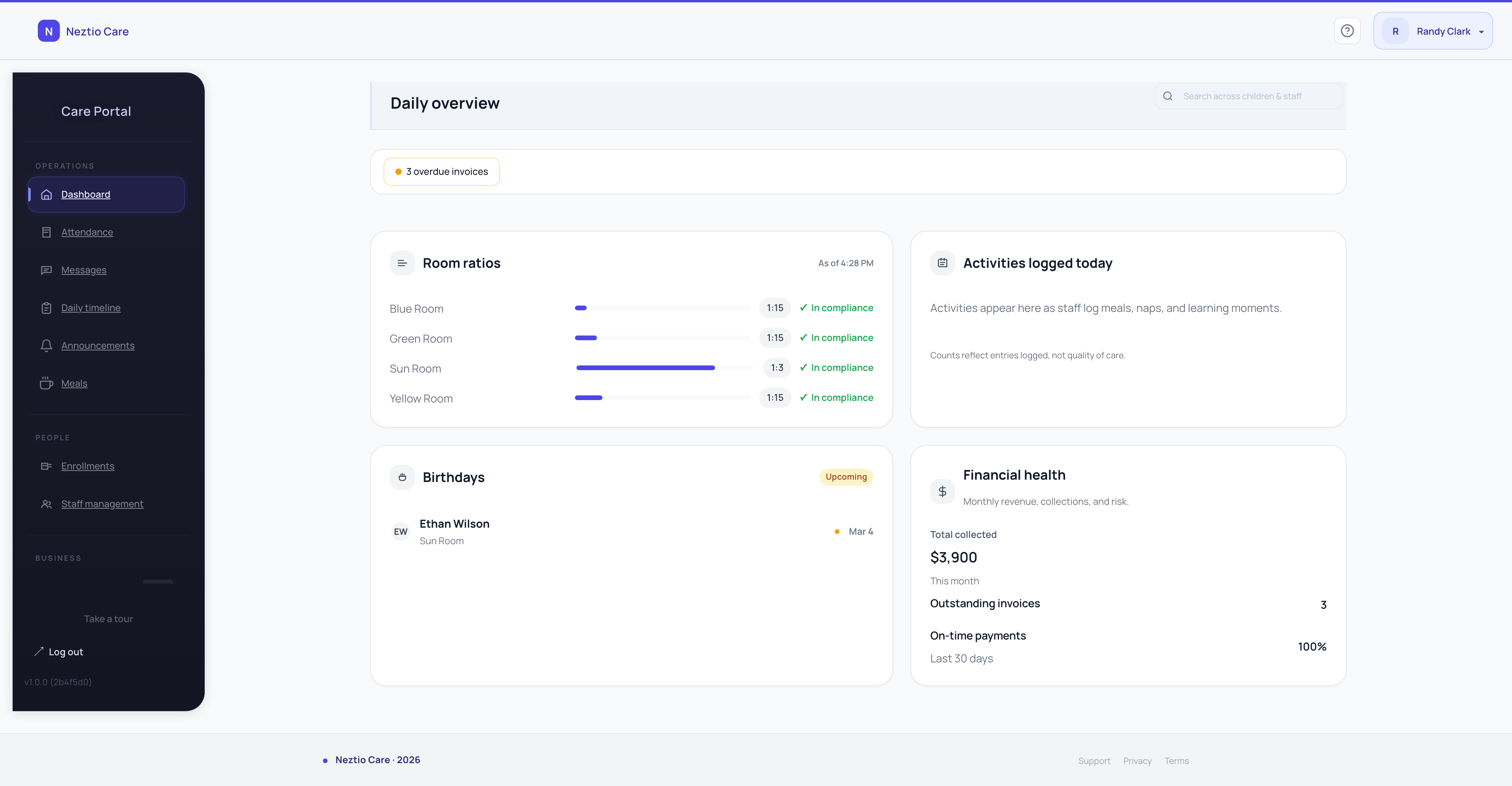
The best AI features are the ones staff never think about. They do not open an AI tab or ask a chatbot. AI just shows up where the work already happens.
AI is not a separate section in Neztio. It lives inside report cards, messaging, meals, and compliance workflows.
Staff do not need to learn AI. They do their normal work, and AI handles the parts that slow them down.
If you have to train your staff on how to use the AI, it is designed wrong. Neztio's AI is invisible until it is useful.
The goal is not to impress people with AI. The goal is to give teachers back 30 minutes a day they currently spend on paperwork.
Safety by design
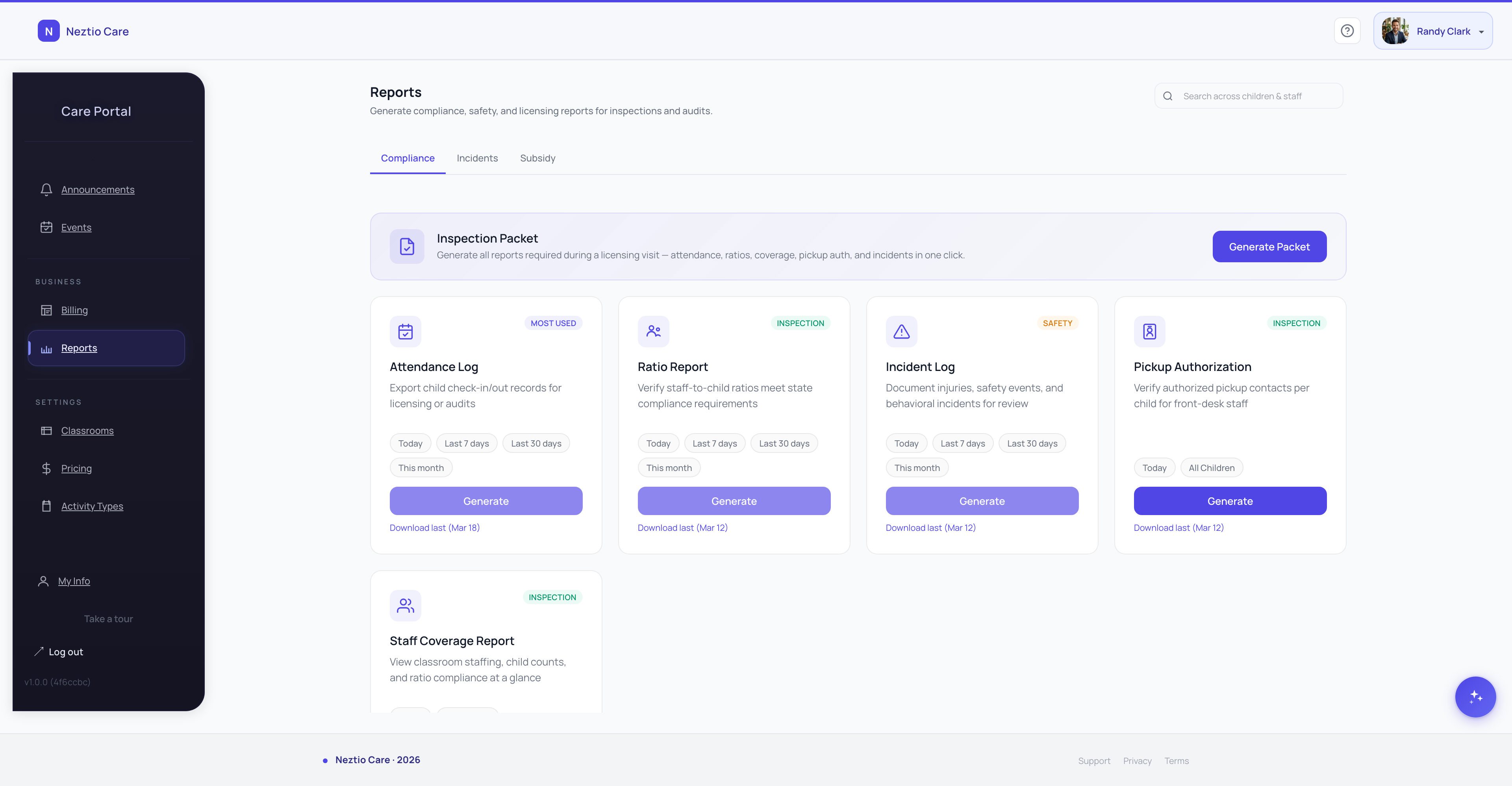
Trust is not a feature you bolt on. It is a design constraint. Here is how we built safety into every AI interaction.
Technical safeguards
Draft-only output
Every AI-generated text is a draft. Teachers review and approve before anything reaches parents or gets saved to a child's record.
PII scrubbing
Child names and personal identifiers are filtered before any data reaches the AI model. The AI works with anonymized context.
Per-child consent controls
Photo captions and AI-generated content respect individual privacy settings. If a family opts out, AI features skip that child entirely.
No training on your data
Your center's data is never used to train AI models. It is processed for your results only, then discarded.
Profanity and content filtering
AI outputs pass through content filters before reaching staff screens. Inappropriate language is caught before it can appear in a report or message.
The bigger picture
AI in childcare is not about replacing teachers or impressing parents with technology. It is about giving staff back the hours they spend on documentation so they can spend that time where it matters: in the classroom, with children, building the relationships that define quality care.
Start your free trial and see how AI works inside Neztio. 30 days, full access, no credit card.
Glossary terms in this article
Daily Report
A summary of a child's day sent to parents, covering activities, meals, naps, and milestones.
Parent Communication
The systems and practices childcare programs use to keep families informed about their child's care and development.
Attendance Tracking
Recording children's daily attendance at a childcare facility, required for licensing, billing, and CACFP claims.
Billing Automation
Software features that automatically generate invoices, process payments, and track tuition for childcare programs.